

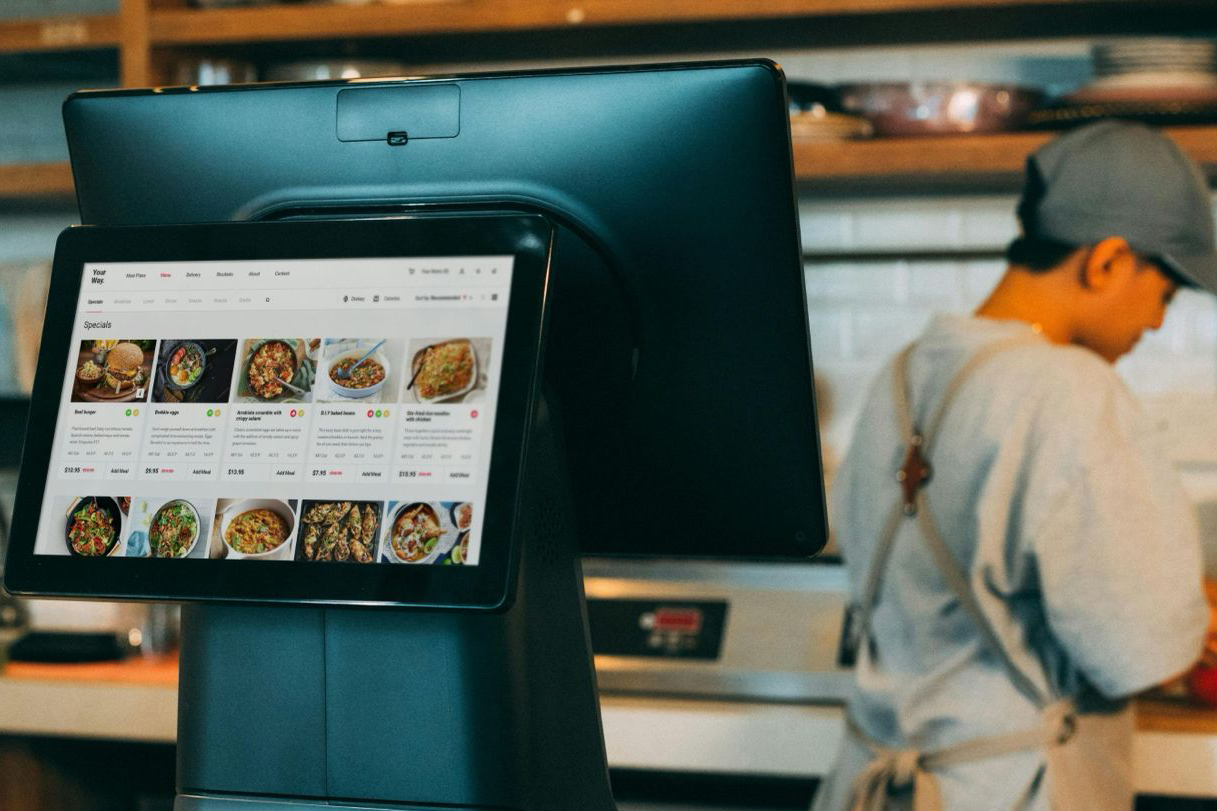
Choosing the right POS system can transform how your food and beverage business operates.
From streamlining orders to tracking inventory in real time, the best pos system does more than process payments: it becomes the backbone of your daily operations. This guide breaks down the top options for cafes, bars, and restaurants.
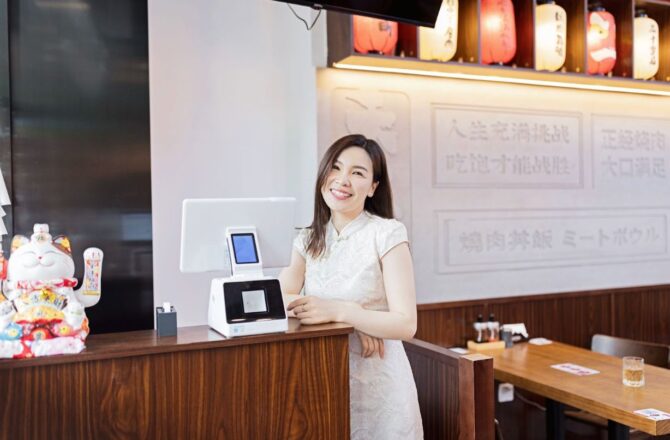
What Makes a POS System Essential for F&B Businesses
Running a cafe, bar, or restaurant without a modern POS system is like cooking without proper equipment. You might get by, but efficiency and accuracy suffer.
An f&b pos system handles orders, payments, inventory tracking, staff management, and customer data in one platform. The best systems integrate with your kitchen display, accounting software, and online ordering channels. This integration reduces errors, speeds up service, and gives you real-time insights into what’s selling and what’s sitting in storage.
For food and beverage operations specifically, you need features that traditional retail POS systems simply don’t offer: table management, split bills, modifier-heavy menus, and integration with delivery platforms. Generic solutions create workarounds that slow down service during peak hours.
Key Features to Look for in Restaurant POS Systems
Not all POS systems are built for the unique demands of food service. Here’s what separates the best pos system options from the rest:
Order Management: Your system should handle complex orders with multiple modifiers, course options, and special requests without creating bottlenecks. Kitchen display systems need to sync seamlessly with front-of-house terminals.
Payment Flexibility: Customers expect to pay their way with split bills, separate checks by seat, contactless payments, and integrated tips. The best systems make checkout smooth regardless of how your guests want to divide the bill.
Inventory Tracking: Real-time ingredient tracking prevents stockouts and reduces waste. When your system knows that a special dish uses specific ingredients, it can alert you before you run out mid-service.
Reporting and Analytics: Sales data, labour costs, menu performance, and peak hours should be accessible from any device. Good reporting helps you make decisions based on facts, not guesswork.
Staff Management: Built-in time tracking, role-based permissions, and performance metrics keep your team accountable and help you schedule efficiently.
Top POS Systems for Cafes and Coffee Shops
Cafes have different needs than full-service restaurants. Speed matters more than table management, and inventory often includes retail products alongside food items.
EPOS stands out for cafe operators in Southeast Asia who need localised support and regional payment integration. The system handles QR code payments, popular across Singapore and Malaysia, includes GST-compliant reporting, and offers training in multiple languages. Local businesses benefit from same-day support and hardware replacement options that international providers can’t match. The platform handles both counter service and retail inventory, making it practical for cafes selling beans, merchandise, and pastries alongside beverages.
Square for Restaurants works well for smaller cafes with straightforward menus. The hardware costs are reasonable, and the interface is intuitive enough that new staff can learn it during a single shift. Built-in loyalty programs help you build regular customer relationships without third-party apps.
Toast POS scales better for multi-location cafe operations. The offline mode keeps you running during internet outages, and the menu management tools handle seasonal drinks and limited-time offerings without creating confusion at the counter.
Lightspeed Restaurant excels when you’re selling retail products alongside coffee and pastries. The inventory system tracks both ingredient usage and retail stock levels, giving you complete visibility into what’s moving and what’s not.
Best POS Solutions for Bars and Nightlife Venues
Bars face unique challenges: high-volume transactions, tab management, age verification, and inventory shrinkage concerns. The best f&b pos system for bars addresses these specific pain points.
EPOS provides bar-specific configurations with liquor inventory management tailored to Southeast Asian licensing requirements. The system tracks bottle usage, monitors pour costs, and generates the compliance reports that regional authorities require. Integration with popular payment wallets like GrabPay and PayNow eliminates the friction of cash handling during peak hours.
Toast and Square both offer bar-specific features, but Toast has better tab management for busy nights. Customers can open tabs with a card, and bartenders can add drinks throughout the evening without processing multiple transactions.
Lightspeed includes inventory controls that help you track pour costs and identify discrepancies. When margins are tight on alcohol, knowing exactly where every ounce goes makes a measurable difference in profitability.
Age verification prompts at checkout protect your business from compliance issues. The best systems make this automatic rather than relying on staff to remember.
Complete Restaurant POS Systems Comparison
Full-service restaurants need the most comprehensive features: table management, reservation integration, kitchen routing, and support for complex menus with hundreds of variations.
EPOS delivers comprehensive restaurant functionality with local customisation that matters for Southeast Asian operations. The table management system accommodates the diverse dining styles common in the region—from hawker-style shared seating to fine dining reservations. Kitchen display integration routes orders in multiple languages, and the reporting dashboard tracks metrics in local currency with built-in tax calculations. For restaurant groups operating across Singapore, Malaysia, or expanding regionally, the multi-location management tools provide centralised oversight without sacrificing individual store flexibility.
Toast POS leads in this category with purpose-built restaurant features. Table layouts, coursing, and kitchen display integration work together seamlessly. The system handles everything from quick-service counters to fine dining with multiple-course timing.
Lightspeed Restaurant POS offers similar capabilities with particularly strong reporting. Managers can drill down into individual menu item profitability, server performance, and table turn times. This data helps optimise everything from menu pricing to floor plans.
TouchBistro runs on iPad hardware, which reduces upfront costs compared to dedicated terminals. The offline functionality means you keep serving customers even when your internet connection drops—crucial during dinner rush.
Pricing varies significantly based on location count, terminal numbers, and feature requirements. Most providers offer monthly subscriptions starting around $69 per terminal, with additional fees for payment processing and premium features.
Making Your Final Decision
The best pos system for your specific operation depends on your business model, transaction volume, and growth plans. A single-location cafe has different requirements than a restaurant group with five locations.
Start by listing your non-negotiable features. If you need table management, eliminate options designed for quick service. If offline mode is critical, that narrows your choices immediately.
Request demos from your top three candidates. Test the actual workflow your staff will use dozens of times each shift. A system that looks great in a sales presentation might create friction in real service conditions.
Check integration capabilities with your existing tools. If you’re already using a specific accounting platform, inventory system, or online ordering service, confirm the POS system connects properly before committing.
Consider the total cost of ownership beyond monthly fees. Hardware, payment processing rates, support costs, and training time all factor into the real expense. A cheaper monthly subscription might cost more overall if processing rates are higher or hardware fails frequently.
ADVERTISEMENTS